

Create a template
Create an email template in the Tuix dashboard with HTML and variables.
A template defines the HTML content, sender and subject of an email. When sending, you reference it by its Template UUID.
Create a template
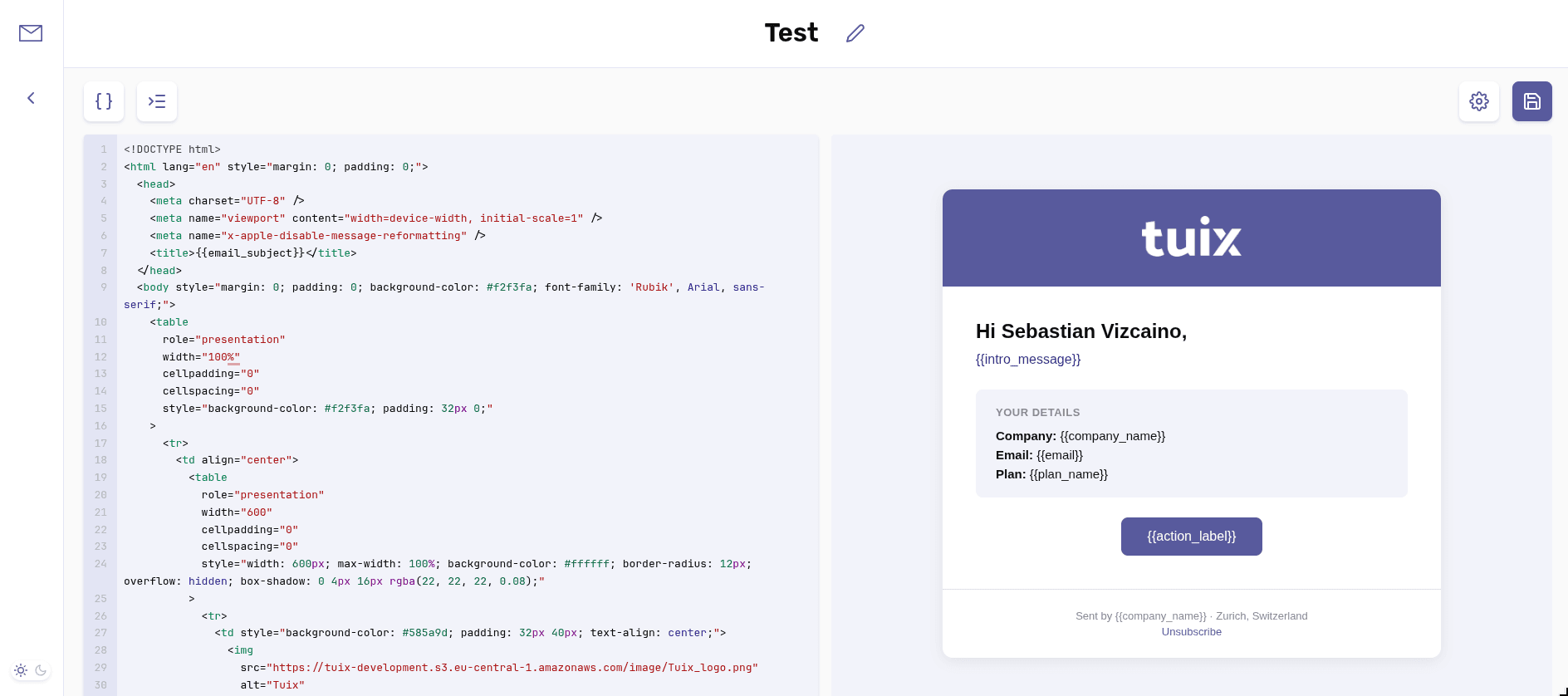
Write the HTML content in the editor. Use Format code to format the HTML.
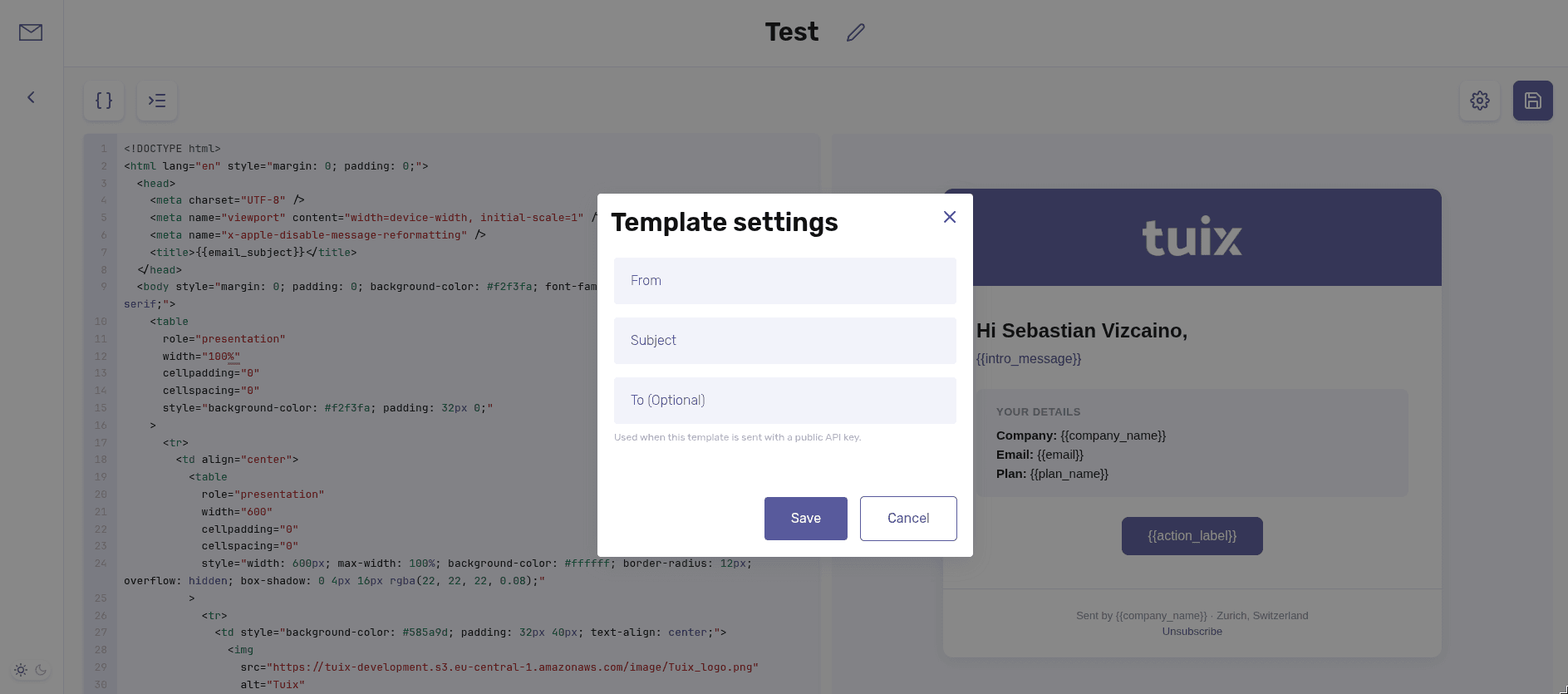
Open Template settings and fill in From and Subject. To is optional.
Click Save. The template gets a Template UUID, which you need to send.
Sender and subject
The sender (From) and subject (Subject) belong to the template, not to the send call. You set them under Template settings.
| Field | Required | Description |
|---|---|---|
From | Yes | Sender address. |
Subject | Yes | Email subject. |
To (Optional) | No | Recipient, used when sending with a public API key. |
Variables
Use placeholders in the HTML with double curly braces: {{name}}. The template
detects them automatically.
When sending, pass the values through the data field as a JSON string (see
Email parameters):
Use Set variables to set preview values. These values are not saved, they are used only for the preview.